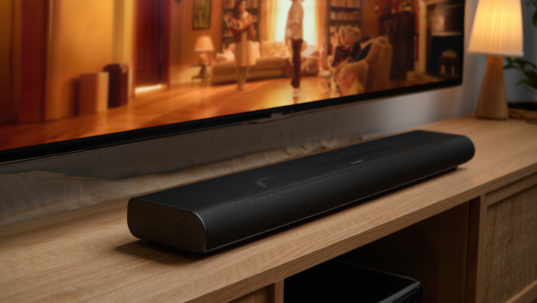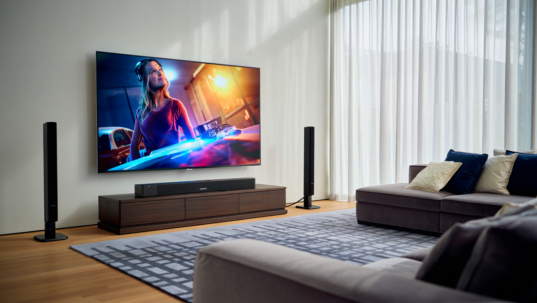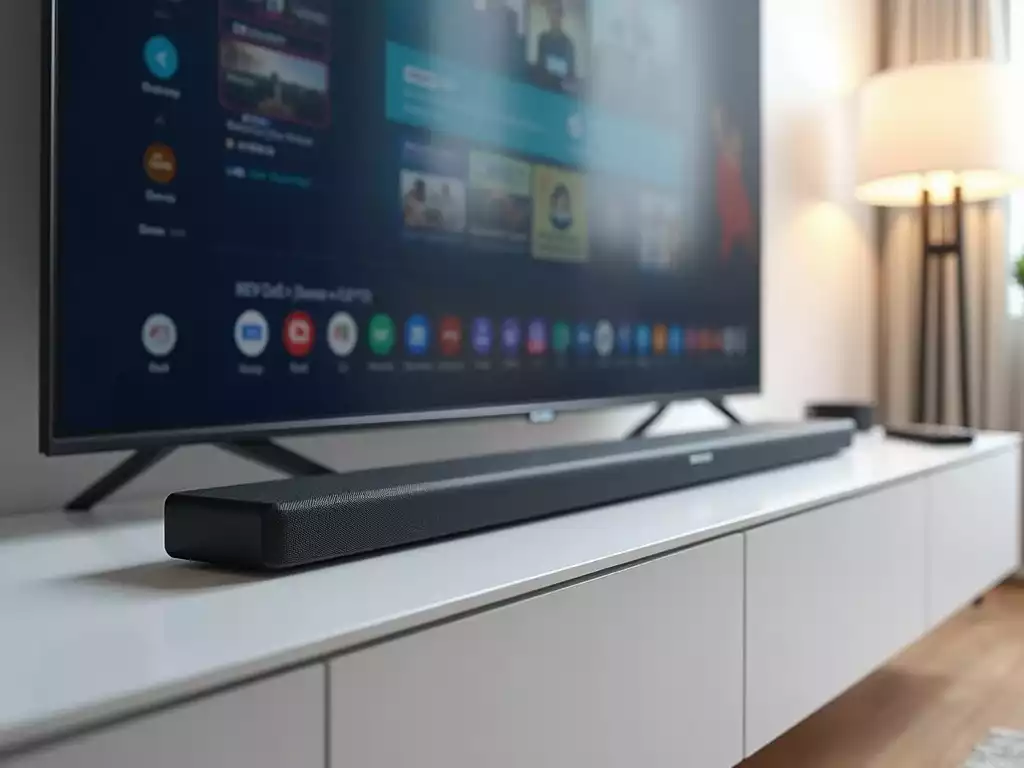
Ready to transform your home entertainment experience? A Samsung soundbar could be the game-changer you need. With multiple connection options and impressive sound quality, you’ll find it seamlessly enhances your viewing pleasure. Here’s what you can expect to learn about optimizing your setup.
What You Will Learn
- Samsung soundbars offer exceptional sound quality, providing a cinema-like audio experience at home.
- Multiple connectivity options such as HDMI, optical, and Bluetooth make it easy to connect to various devices.
- Essential components for setup include HDMI cables, optical cables, power cords, and remote controls.
- Adjusting TV audio settings can unlock the full potential of your soundbar for the best audio performance.
- Exploring different audio modes like Movie Mode and Music Mode can enhance your experience based on content type.
- Regular firmware updates are crucial for maintaining performance and accessing new features and audio formats.
- Compatibility checks with non-Samsung devices ensure a seamless and versatile audio experience.
Samsung Soundbar Connection & Optimization Flow
This visual outlines the key steps and components for connecting and optimizing your Samsung Soundbar for an enhanced audio experience.
Essential Connection Components
- 1 HDMI Cable (ARC)
- 2 Optical Cable (Alt.)
- 3 Power Cord
- 4 Remote Control
Gather these for a smooth setup.
Key Audio Optimization Steps
- 1 Set TV to External Speaker
- 2 Adjust Soundbar Mode
- 3 Balance Volume Levels
- 4 Utilize Enhancement Features
Fine-tune for the best experience.
Common Audio Modes
- A Standard Mode
- B Movie Mode
- C Music Mode
- D Game Mode
Tailor sound to content.
Ongoing Maintenance
- 1 Regularly Update Firmware
- 2 Check Device Compatibility
- 3 Monitor Performance
Ensure peak long-term performance.
Understanding the Connection Options for Your Samsung Soundbar
When it comes to enhancing your home entertainment system, a Samsung soundbar can significantly elevate your TV experience. Not only does it deliver superior sound quality, but it also offers a variety of connection options to fit your setup perfectly. In this section, I’m excited to share why choosing a Samsung soundbar is a great decision for your TV setup, along with the essential components you’ll need for a seamless connection.
One of the standout features of Samsung soundbars is their compatibility with various devices. This flexibility allows you to connect with multiple inputs, ensuring that you can enjoy your favorite shows, movies, and music with rich audio. Plus, with Samsung’s reputation for cutting-edge technology, you can trust that you’re getting a product that meets high sound performance standards!
Why Choose a Samsung Soundbar for Your TV Setup?
Choosing a Samsung soundbar for your TV setup comes with numerous benefits. First, their soundbars are designed to complement Samsung TVs perfectly, leading to a more integrated and user-friendly experience. Here are some compelling reasons to consider:
- Exceptional Sound Quality: Enjoy cinema-like audio right in your living room.
- Easy Connectivity: Multiple options like HDMI, optical, and Bluetooth make it easy to set up. For detailed instructions on setting up your Samsung soundbar, you can refer to the Samsung support page.
- Sleek Design: A modern look that fits seamlessly into your home décor.
- Smart Features: Access to features like voice control and connectivity with smart home devices.
In my experience, these soundbars really enhance not just the audio but the entire viewing experience! With options to fit every room and budget, they are a fantastic investment.
Essential Components for Connecting Your Soundbar
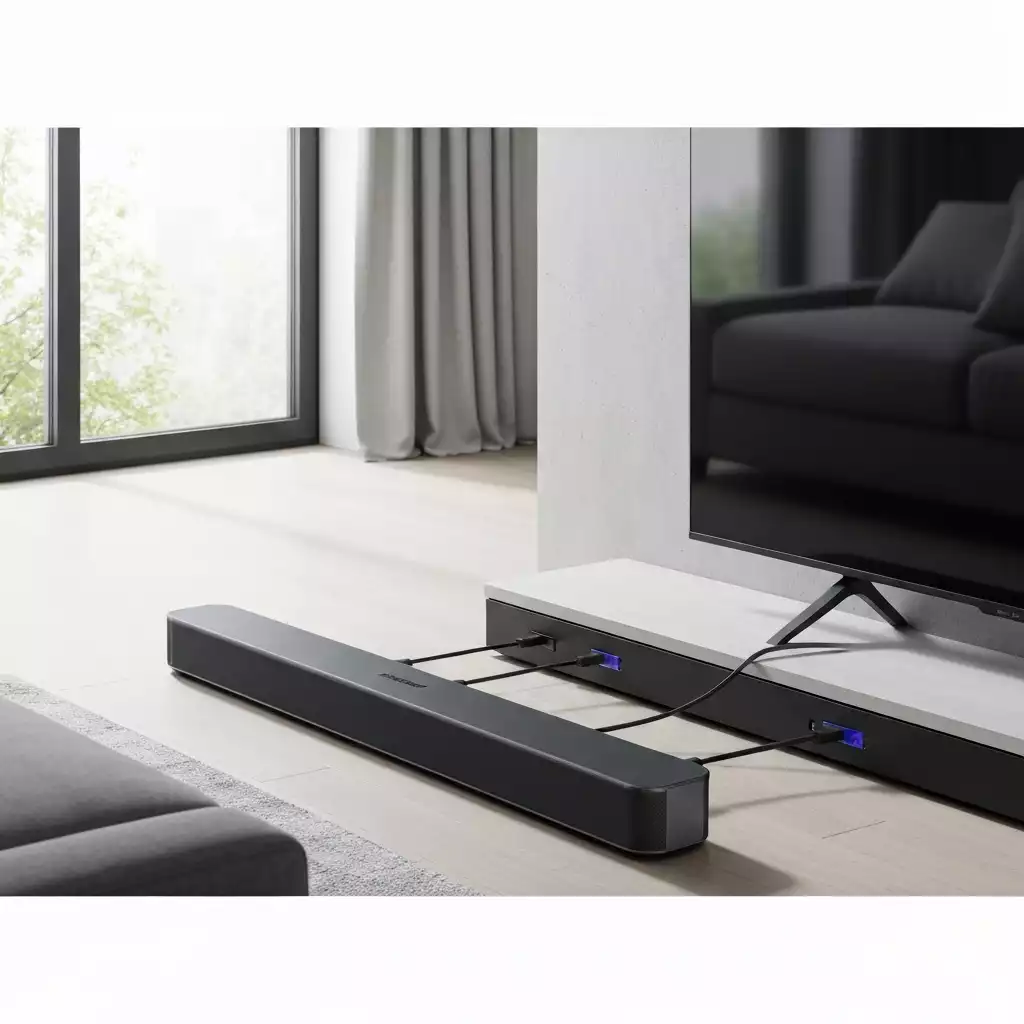
Before you start connecting your Samsung soundbar, it’s important to gather the essential components. Having the right cables and knowing what to look for can make the process smoother. Below are the key components you’ll need:
- HDMI Cable: Ideal for a high-quality connection using HDMI ARC.
- Optical Cable: A great alternative for connecting your soundbar.
- Power Cord: Don’t forget this to power your soundbar!
- Remote Control: For easy adjustments and control of your soundbar settings.
Having these components ready will help you set up your soundbar quickly and efficiently. Whether you prefer a wired connection or a wireless setup, knowing your options will pave the way for an amazing audio experience!
Pro Tip
Did you know? Regularly checking and adjusting your soundbar’s audio settings based on the content can greatly enhance your listening experience. For instance, switching to Movie Mode while watching films can improve dialogue clarity and immersive sound effects, making each viewing feel like a cinematic adventure!
Final Steps for Enjoying Enhanced Sound Quality
Once you’ve connected your Samsung soundbar to your TV, it’s time to ensure that you’re getting the best audio experience possible. The final steps involve tweaking both your TV and soundbar settings to optimize sound quality. Remember, these adjustments can make a significant difference in your overall listening experience!
First, check the audio settings on your TV. Many TVs have specific settings for sound output that can affect how your soundbar performs. Switching to the right mode can unlock the full potential of your soundbar.
Ensuring Optimal Audio Settings on Your TV and Soundbar
To achieve the best audio experience, you need to carefully configure the settings on both your TV and soundbar. Here’s a quick checklist to guide you:
- Set your TV’s audio output to the external speaker option.
- Adjust the sound mode on your soundbar to match your viewing preferences.
- Make sure your soundbar’s volume is balanced with your TV’s audio settings.
By following these steps, you ensure that the sound produced complements the visuals, bringing movies and shows to life in your living room!
Exploring Audio Modes for the Best Experience
Many Samsung soundbars come with multiple audio modes designed to enhance your experience for different types of content. Whether you’re watching a thrilling action movie or enjoying a soft romantic comedy, these modes can significantly impact your sound quality. Here are some common audio modes to explore:
- Standard Mode: Ideal for general TV watching.
- Movie Mode: Enhances dialogue clarity and sound effects for films.
- Music Mode: Optimizes sound for your favorite tunes.
Experimenting with these modes allows you to tailor your sound experience based on what you’re watching or listening to. This personalization can lead to a more immersive experience overall!
Utilizing Sound Enhancement Features for Superior Audio
Lastly, don’t forget to take advantage of the sound enhancement features offered by your Samsung soundbar. These features might include options like bass boost, surround sound, and equalizer settings that can transform your audio experience. Customize these settings to match your tastes and environment for superior sound quality.
Understanding how to adjust these features will help you get the most out of your soundbar setup, making each viewing feel cinematic!
Next Steps: Maximizing Your Soundbar and TV Setup
Now that your soundbar is perfectly set up, it’s essential to keep it running at peak performance. This involves some next steps that ensure you continue enjoying high-quality audio over time.
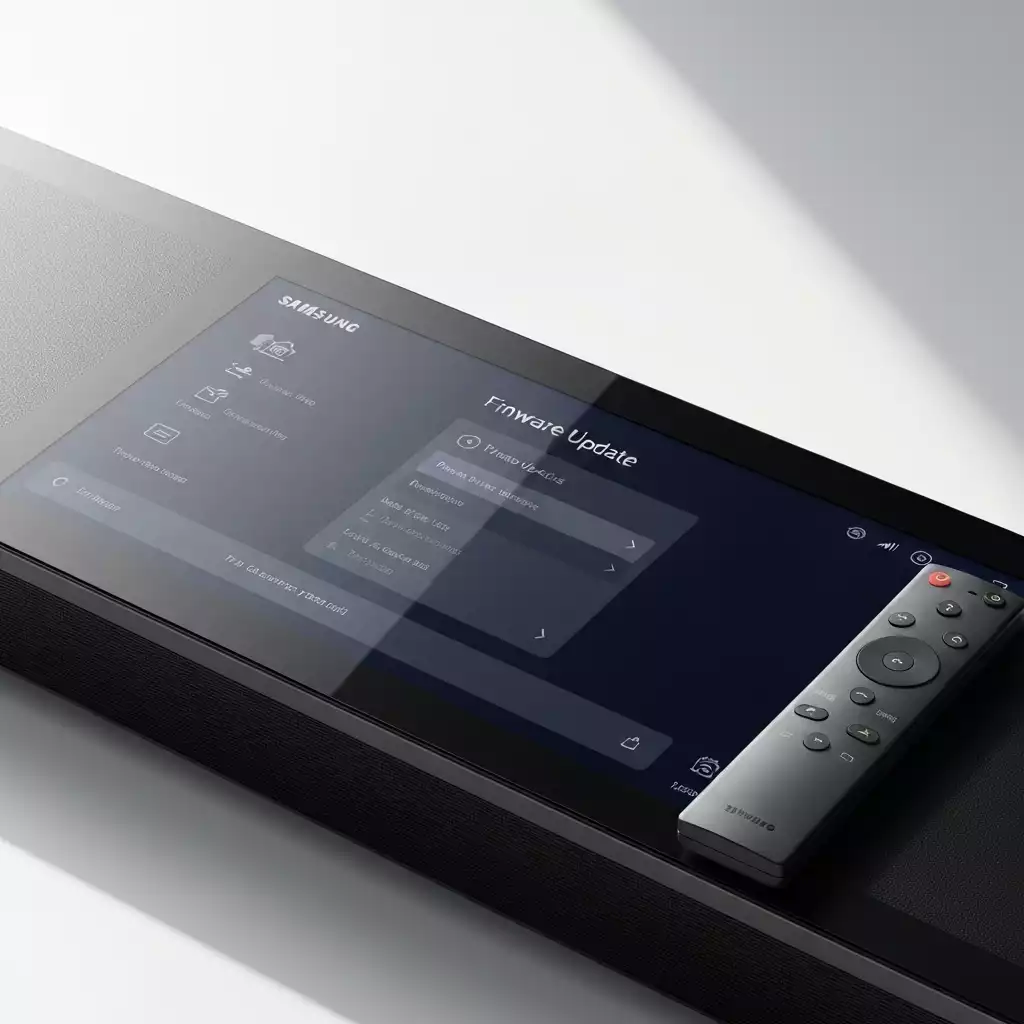
Regularly Updating Soundbar Firmware for Performance
Firmware updates can bring improvements and new features to your soundbar. Keeping your device updated ensures you benefit from the latest enhancements. Here’s how to check for updates:
- Navigate to the soundbar settings menu.
- Select the option for firmware updates.
- Follow the prompts to install any available updates.
Regular updates can also improve audio formats and overall performance, so make this a routine practice! You can find more information on how to update your soundbar’s firmware on the Samsung support page.
Checking Compatibility with Non-Samsung Devices
If you have other devices that you want to connect to your soundbar, ensure they’re compatible. Many Samsung soundbars work well with various brands, but checking compatibility is always a good idea. Here are a few tips:
- Refer to the soundbar’s manual for compatibility information.
- Test connections with devices you commonly use.
- Look for any necessary adapters or cables that may be required.
Staying informed about compatibility will ensure a seamless audio experience, no matter the device!
Importance of Firmware Updates for Audio Formats and Performance
Firmware updates aren’t just about fixing bugs; they often include enhancements for audio formats as well. New updates may support advanced audio formats, which can significantly enhance your listening experience. Keeping your firmware current is essential for accessing these improved features and ensuring your soundbar performs at its best! For specific details on connecting your soundbar to your TV, visit Samsung’s guide on connecting a soundbar.
Frequently Asked Questions
- Q: What are the primary connection options for a Samsung soundbar?
- A: Samsung soundbars typically offer HDMI (ARC), optical, and Bluetooth connectivity for versatile setup options.
- Q: Why should I choose a Samsung soundbar over other brands?
- A: Samsung soundbars offer exceptional sound quality, seamless integration with Samsung TVs, sleek design, and smart features like voice control.
- Q: How can I optimize my TV audio settings for my soundbar?
- A: You should set your TV’s audio output to external speakers, adjust the sound mode on your soundbar, and balance volume levels between the TV and soundbar.
- Q: What are the different audio modes available on Samsung soundbars?
- A: Common audio modes include Standard Mode for general viewing, Movie Mode for enhanced dialogue and effects, Music Mode for optimized music playback, and sometimes Game Mode.
- Q: Is it important to update my soundbar’s firmware?
- A: Yes, regular firmware updates are crucial for maintaining peak performance, accessing new features, improving audio formats, and ensuring long-term compatibility.
Call to Action: Enhance Your Viewing Experience Today
Now that you’ve set up your Samsung soundbar and explored all the options, it’s time to enhance your viewing experience further! I’d love to hear about your setup journey. Share your experience with us!
Share Your Setup Experience with Us
Did you find these tips helpful? What challenges did you face during your setup? Sharing your experiences can help others optimize their soundbar setups, too!
Explore More Tips for Home Theater Optimization
Looking for more ways to improve your home theater? Be sure to check out our blog for additional tips and tricks to get the most out of your audio and visual systems!
Recap of Key Points
- Samsung soundbars offer exceptional sound quality, enhancing your home entertainment experience.
- Multiple connectivity options, including HDMI, optical, and Bluetooth, ensure easy setup.
- Gather essential components like HDMI cables, optical cables, and remote controls for a seamless connection.
- Optimize audio settings on both your TV and soundbar for the best sound experience.
- Experiment with different audio modes to tailor the sound based on the content you are enjoying.
- Regularly update your soundbar’s firmware to benefit from the latest features and improvements.
- Check compatibility with non-Samsung devices to ensure a smooth audio experience.