Common Power Failure Causes
- Faulty cables or plugs
- AC adapter issues
- Remote control malfunction
- Internal hardware failures
Have you ever faced the frustration of your soundbar refusing to power on, leaving you in silence during your favorite movie? Understanding the common issues and solutions can save you time and restore your audio experience quickly.
This visual outlines common reasons why a Samsung Soundbar might not turn on and when professional assistance is recommended.
@media (max-width: 768px) {
#soundbar-troubleshooting-visual article {
flex-basis: 100%;
max-width: 100%;
margin-bottom: 10px; /* Add margin for vertical spacing */
}
}
When you hit that power button on your Samsung Soundbar and nothing happens, it can be incredibly frustrating. I know how important sound quality is for an immersive home theater experience, and when your soundbar won’t turn on, it can really dampen your mood! Let’s dive into what you can expect and how to identify possible issues.
First off, don’t panic! There are several common reasons why your Samsung Soundbar might not be turning on, and many of them are easy to troubleshoot. This section will help you understand what might be going on and guide you through the steps to resolve the issue.
When your soundbar refuses to power up, you might experience a few things. You may notice that the power light is off, or perhaps it flashes briefly before going dark again. In some cases, there might be no response even when you use the remote.
It’s important to keep in mind that these signs can point to different issues. By understanding these symptoms, you can narrow down the possible causes and focus on troubleshooting effectively. Trust me, it’s often something simple!
There are a few typical culprits behind a power failure with your Samsung Soundbar. Let’s break down some of the most prevalent reasons:
Each of these causes can be addressed with some basic troubleshooting steps. It’s a good idea to start with the simplest solutions before moving on to more complex fixes!
The power supply and AC adapter are crucial to the functionality of your soundbar. If there’s an issue, it could prevent your soundbar from turning on at all. Check the AC adapter for any visible damage, and ensure it’s properly plugged into both the soundbar and the outlet. For detailed troubleshooting steps, Samsung provides an excellent resource on troubleshooting power issues with your soundbar.
By following these steps, you can quickly identify if the power supply is the root of the problem. If everything looks good but the soundbar still won’t turn on, it might be time to explore other troubleshooting options.
Did you know? Regularly checking your power cables and connections can prevent many common soundbar issues. A simple visual inspection can save you time and frustration down the line!
A: Common symptoms include no power indicator light, an inconsistently flashing power light, or no sound output when connected to the TV.
A: Typical causes include faulty cables or plugs, issues with the AC adapter, remote control malfunctions, and internal hardware failures.
A: You should look for frayed or damaged cables, ensure the AC adapter feels warm when plugged in (indicating it’s receiving power), and try plugging the soundbar into a different power outlet.
A: Signs of hardware failure include unresponsive controls, distorted audio or buzzing, frequent disconnections, physical damage (cracks, burnt smells), and consistent power-on failure.
A: You should contact support if your device is still under warranty, if you encounter persistent software problems, or after exhausting all troubleshooting steps without success. You can find more information on Samsung’s home theater support page.
Sometimes, despite our best efforts, we can’t resolve issues with our Samsung soundbar on our own. Recognizing when it’s time to seek professional help can save time and potentially costly repairs. Here are some signs to look out for that might indicate your soundbar needs expert attention.
There are specific signs of hardware failure that shouldn’t be ignored. If your soundbar consistently fails to power on, or if you hear unusual sounds when it does, it’s time to take a closer look. Additionally, if you notice any physical damage to the unit, such as cracks or burnt smells, these are clear indicators of potential hardware issues.
These symptoms often point to underlying problems that require a knowledgeable technician to diagnose and fix. Ignoring them may lead to further damage, so it’s vital to act promptly!
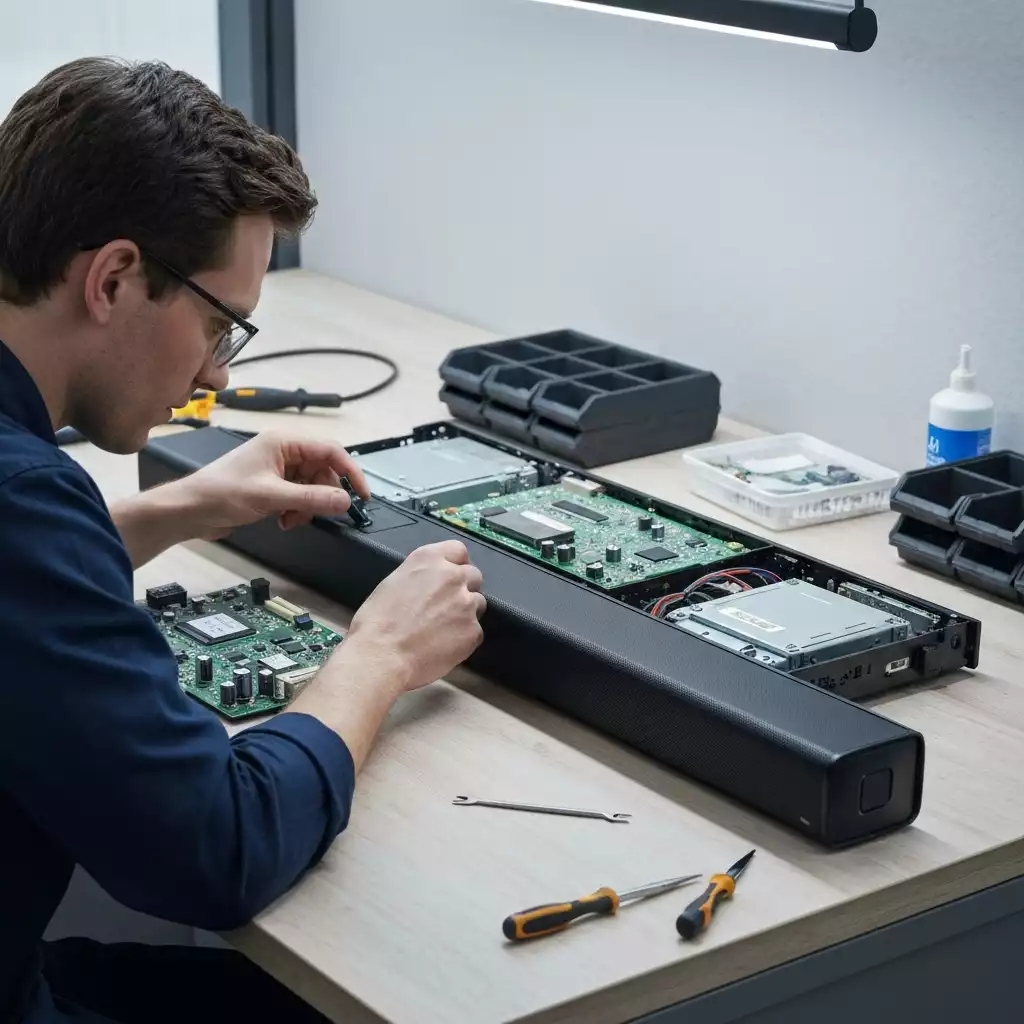
Before making a decision, check if your Samsung soundbar is still under warranty. Most soundbars come with a standard manufacturer’s warranty that can cover repairs or replacements. You can typically find warranty details in the user manual or on the Samsung website. If your device is still covered, it’s a great option to utilize!
Utilizing warranty services can save you both time and money. If you’re unsure about the status of your warranty, feel free to reach out to customer service for clarity.
If you’ve gone through troubleshooting steps and your soundbar still isn’t functioning, it might be time to contact customer support or visit a service center. Samsung’s support team can provide guidance based on your specific situation. They can assist in determining if your issue is a common one and whether it requires professional service. For more comprehensive information on home theater support, including soundbars, you can visit the Samsung Home Theater support page.
It’s always better to consult with a professional than to risk further complications. They have the expertise to pinpoint the exact cause and provide effective solutions.
Here is a quick recap of the important points discussed in the article: