What is Acoustic Center Sync?
Synchronizes soundbar audio with TV visuals, making sound appear to come directly from the screen.
- ✓ Natural sound positioning
- ✓ Improves dialogue clarity
- ✓ Enhanced overall soundstage
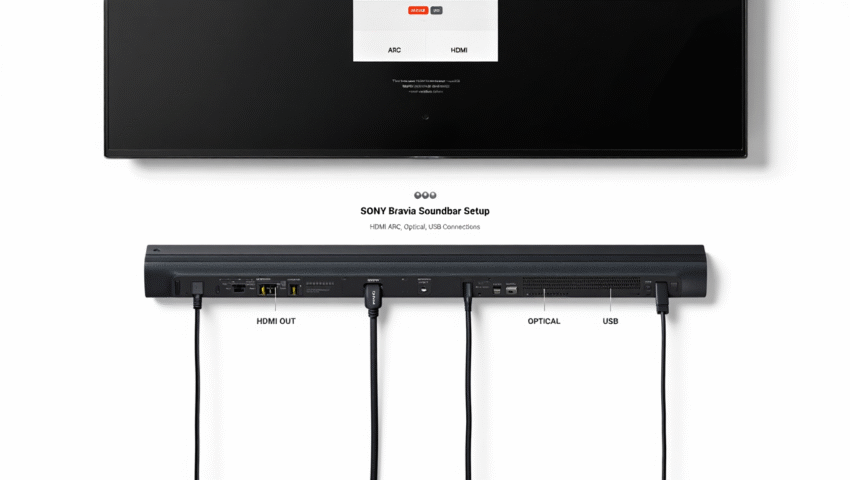
Are you ready to transform your home theater experience into something truly immersive? With the right technology, you can elevate not just the sound, but the entire ambiance of your space!
Discover how Acoustic Center Sync transforms your audio experience by aligning your soundbar with your BRAVIA TV, bringing immersive sound directly from the screen.
Synchronizes soundbar audio with TV visuals, making sound appear to come directly from the screen.
Experience a seamless and immersive home theater with enhanced audio clarity and realism.
Combines with Acoustic Center Sync for a truly three-dimensional, dynamic sound experience.
Crucial for optimizing sound quality, fixing bugs, and accessing new features for long-term performance.
When it comes to enhancing your home theater experience, Acoustic Center Sync takes center stage, especially when paired with Sony BRAVIA soundbars. This innovative feature aligns your soundbar’s audio output with your TV’s visuals, creating an immersive sound experience that pulls you right into the action. Whether you’re watching movies or playing video games, the seamless audio-visual connection is sure to elevate your entertainment.
But what exactly is Acoustic Center Sync? It’s a technology that synchronizes the sound output from your soundbar with the picture on your Sony BRAVIA TV. By using this feature, you can enjoy clearer dialogue and an enhanced overall soundstage, making it feel like you’re part of the scene. Trust me, once you experience it, there’s no going back!

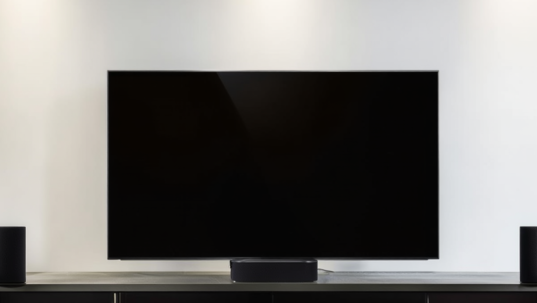
Acoustic Center Sync essentially makes the center speaker in your soundbar act as the TV’s own audio center. This means that the sound appears to come directly from the on-screen action, rather than from a separate location. The result? A more immersive experience that can make your heart race during the thrilling moments of your favorite shows! For detailed instructions on how to set this up, you can refer to the official Sony support article on Acoustic Center Sync.
With this feature, you’ll notice sound effects that feel like they’re coming from the right place on the screen, adding a layer of realism to your viewing experience. This technology is particularly beneficial when watching action-packed films or engaging in intense gaming sessions.
So, why should you consider using Acoustic Center Sync with your Sony BRAVIA TV? Here are a few key advantages that stand out:
By using Acoustic Center Sync, you’re not just getting better sound; you’re enhancing your entire home theater experience! As someone who values high-quality audio, I can assure you that these benefits are game changers.
With Acoustic Center Sync, you can also dive into high-fidelity audio formats like Dolby Atmos and DTS:X. These formats are designed to create a three-dimensional sound experience that complements the synchronization offered by Acoustic Center Sync. Imagine hearing raindrops fall around you while you watch a storm scene—it’s truly a feast for the senses!
Utilizing these audio formats with Acoustic Center Sync not only enhances your viewing experience but also allows you to appreciate the rich details in your favorite film scores and soundtracks. If you’re looking to elevate your audio setup, combining these features is a fantastic way to do it!
To truly maximize your Acoustic Center Sync experience, consider fine-tuning the placement of your soundbar. Position it at ear level and ensure it’s centered with your TV for the best sound alignment. This simple adjustment can significantly enhance the clarity of dialogue and the overall immersion of your home theater setup!
A: Acoustic Center Sync is a Sony technology that synchronizes the audio output of your soundbar with the visuals on your BRAVIA TV. This makes the sound appear to come directly from the screen, enhancing immersion and dialogue clarity.
A: It creates a more natural sound positioning, significantly improves dialogue clarity, and enhances the overall soundstage, making movies and games feel more immersive and realistic.
A: Yes, Acoustic Center Sync powerfully combines with high-fidelity audio formats like Dolby Atmos and DTS:X to deliver a truly three-dimensional, dynamic sound experience, creating a dome of sound around you or adapting to your room layout.
A: Firmware updates are crucial for optimizing sound quality, fixing bugs, introducing new features, and ensuring compatibility with connected devices, all of which contribute to long-term performance and the best possible audio experience. You can find information on how to update your soundbar’s software on the Sony support page for software updates.
A: Regular maintenance includes wiping the exterior with a soft cloth to prevent dust buildup, checking cables and connections for security, and positioning your soundbar away from direct sunlight and heat sources to extend its lifespan and ensure consistent performance.
A: The Sony Entertainment Network allows you to stream music and podcasts directly, explore app integrations that enhance audio features, and access exclusive Sony content, enriching your audio setup and connecting you with a community of high-quality sound enthusiasts. For more detailed support and information regarding your Sony device, you can visit the comprehensive Sony product support portal.
To get the most out of your Sony BRAVIA soundbar, regular maintenance is key. Just as you wouldn’t neglect your car’s upkeep, your soundbar deserves the same attention to ensure it delivers optimal performance for years to come. In this section, I’ll share some essential tips to keep your audio experience top-notch.
One of the primary aspects of maintenance is performing firmware updates. These updates are crucial for improving sound quality and adding new features that enhance your overall listening experience!
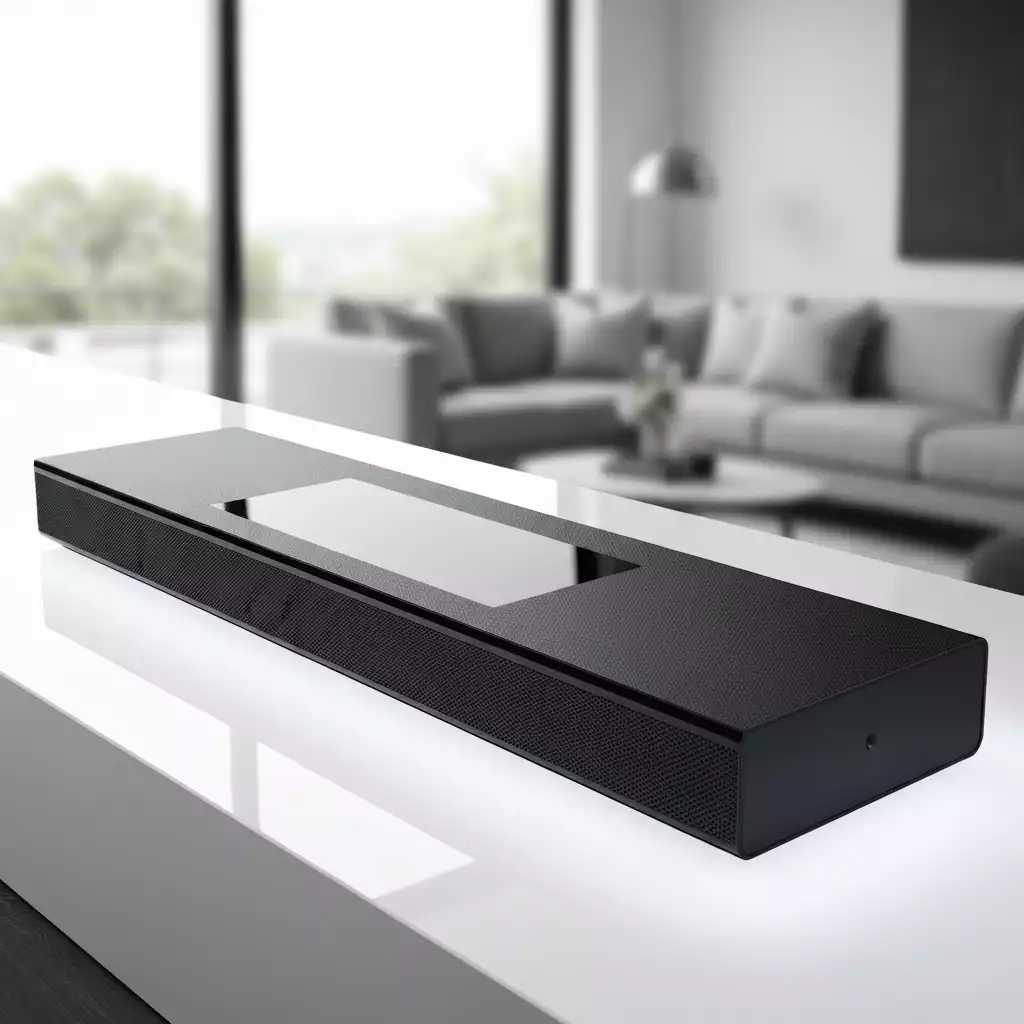
Keeping your soundbar’s firmware up to date is vital. These updates not only fix bugs but also optimize sound performance. When you update, you might notice improvements in audio clarity and new functionality. To ensure your soundbar performs optimally and benefits from the latest enhancements, regularly check for and install firmware updates.
Regularly updating your firmware means you’re always getting the best experience possible. Plus, it ensures compatibility with your connected devices, allowing for a smooth playback experience.
In addition to firmware updates, maintaining your soundbar involves a few simple yet effective practices. Regular cleaning and checks can prevent dust build-up and connectivity issues that might hinder performance.
By following these tips, you can help extend the lifespan of your soundbar and ensure that it remains a centerpiece of your home entertainment setup for many movie nights to come!
The Sony Entertainment Network offers a wealth of features that can enhance your soundbar experience. By taking advantage of this network, you can access additional content and services, making your listening experience even more enjoyable.
Utilizing these features not only enriches your audio setup but also connects you with a community of Sony users who are passionate about high-quality sound. Don’t miss out on the fantastic capabilities this network provides!
Here is a quick recap of the important points discussed in the article:

Pingback: Fix Sony Soundbar eARC HDMI Connection Issues Easily
Pingback: Enhance Small Spaces with Dolby Atmos: Sony Bravia soundbar
Pingback: Sony Bravia Bar 9 vs Samsung Q990D: Features & Performance
Pingback: Home Theater Exploring Sony Bravia Soundbar Features