Have you ever struggled with a remote that just won’t cooperate? You’re not alone. Many users face frustrating soundbar remote issues, but with the right strategies, you can troubleshoot effectively and get back to enjoying your audio experience.
What You Will Learn
- Common issues with soundbar remotes include unresponsiveness, blocked IR sensors, and dead batteries.
- Understanding how soundbar remotes work helps identify and resolve communication problems.
- Effective troubleshooting includes checking for obstructions, ensuring proper pairing, and testing the IR signal.
- Knowing when to seek professional help or a replacement can save time and reduce frustration.
- Manufacturer support resources, including user manuals and customer service, can assist in troubleshooting efforts.
Troubleshooting Soundbar Remote Issues: A Strategic Flow
This visual outlines the common problems, troubleshooting steps, and when to seek further assistance for soundbar remote controls.
Step 1
Identify Common Problems
- Remote not responding
- Blocked/dirty IR sensors
- Weak or dead batteries
*Check batteries first!
Step 2
Basic Troubleshooting Guide
- Remove barriers & test range
- Check pairing mode
- Look for interference
*Use smartphone camera for IR test.
Step 3
When to Seek Help
- Physically damaged remote
- Persistent pairing issues
- Repeated failures
*Consider replacement or professional service.
Step 4
Utilize Manufacturer Support
- Official website (manuals, FAQs)
- Check warranty details
- Contact customer service
*Valuable resource for complex issues.
Troubleshooting Soundbar Remote Control Issues
If you’ve ever found yourself wrestling with a soundbar remote that just won’t cooperate, you’re not alone.
Many users encounter typical issues like their remote control not working, blocked IR sensors, or even battery failures.
These problems can lead to frustration, especially when you’re ready to enjoy your favorite movie or music.
Let’s dive into the common problems that might be affecting your soundbar remote and explore what you can do about them!
Identifying Common Problems with Soundbar Remotes
Understanding the typical issues is the first step in troubleshooting your soundbar remote. Here are some common problems you might face:
- Remote control not responding at all
- Blocked or dirty IR sensors preventing communication
- Weak or dead batteries causing functionality loss
By identifying these common issues, you can save time and effort when troubleshooting. If your remote is unresponsive, checking the batteries should be your first move.
Often, a simple battery replacement does the trick! For more specific troubleshooting steps related to remote controls, you can refer to resources like the TCL support page for soundbar remote troubleshooting.
Understanding How Soundbar Remotes Work
Most soundbar remotes use infrared (IR) signals to communicate with the soundbar itself. When you press a button, the remote emits an IR signal that the soundbar recognizes and responds to.
This communication can be disrupted by various factors, including physical obstructions or even direct sunlight. Knowing this can help you position your soundbar and remote more effectively!
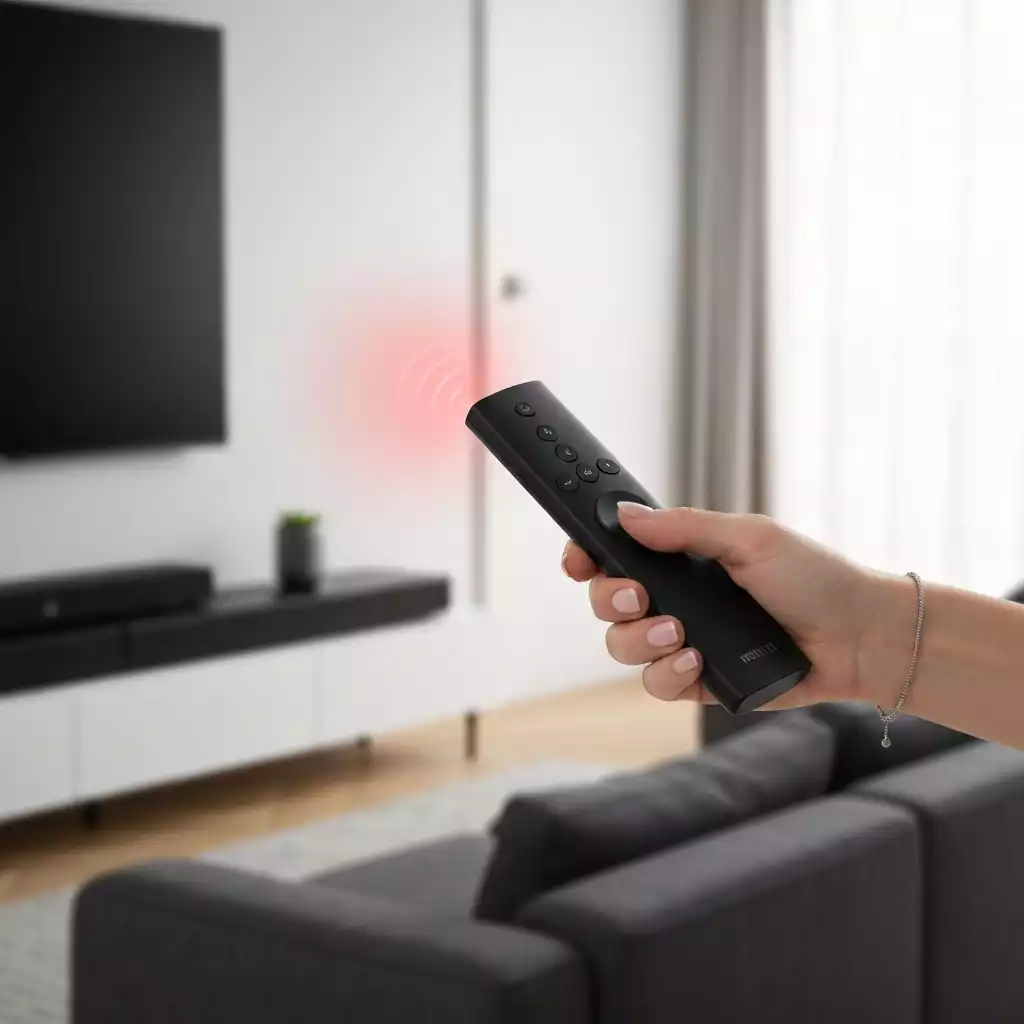
Common Remote Control Limitations and Troubleshooting Guide
There are a few limitations that you might experience with your soundbar remote. For instance, pairing problems can occur if the remote loses connection with the soundbar, or interference from other devices can interrupt the signal. Here’s a quick troubleshooting guide:
- Check for any barriers between the remote and the soundbar.
- Ensure the remote is in pairing mode if it’s not connecting.
- Look for potential interference from other electronic devices.
By following these troubleshooting steps, you can often resolve these issues without much hassle. For advanced troubleshooting or if your remote isn’t working, consider checking manufacturer-specific guides such as Samsung’s guide on troubleshooting smart remotes.
Remember, if the remote is still unresponsive, it might be time to consider a replacement or seek professional help!
Pro Tip
Did you know? If your soundbar remote is unresponsive, you can use your smartphone’s camera to check if it’s emitting an IR signal. Simply point the remote at the camera and press a button; if you see a light on the screen, the remote is working, and the issue might be with the soundbar instead!
Frequently Asked Questions (FAQs)
Recap of Effective Strategies for Soundbar Remote Controls
When it comes to troubleshooting soundbar remote issues, having a clear strategy is crucial! I’ve gathered some key steps that can help you diagnose and solve these problems effectively. Understanding your unique needs is essential, as each user may face different challenges with their soundbar remotes.
Here are the main strategies to remember:
- Check the batteries and ensure they are properly inserted.
- Test the remote’s IR signal using your smartphone camera.
- Evaluate the remote’s range and ensure no obstructions are present.
By following these steps, you can gain a better understanding of the issues at hand and work towards a resolution that enhances your audio experience!
When to Seek Professional Help or Replacement
Sometimes, despite your best efforts, remote control issues may persist. Knowing when to call in the professionals or consider a replacement is just as important as troubleshooting. If you’ve checked the batteries, tested the IR signal, and ensured proper placement but still face issues, it might be time to seek help.
Here are some indicators that you may need to look for professional assistance:
- The remote control is physically damaged.
- Persistent pairing or connectivity issues that don’t resolve.
- Repeated failures despite following troubleshooting guides.
In these cases, reaching out to a technician or the retailer may save you time and frustration!
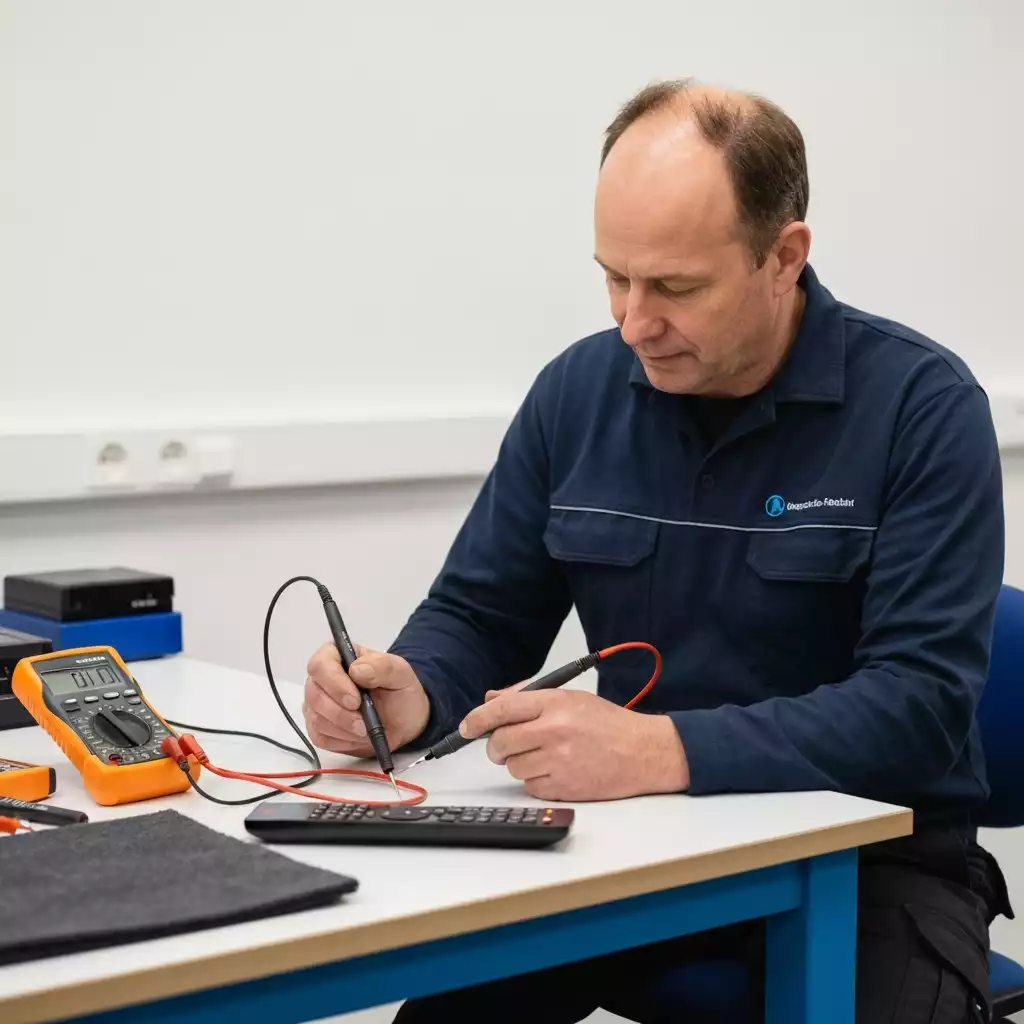
Understanding Manufacturer Support and Warranty Information
Accessing manufacturer support and warranty information is another valuable resource when dealing with soundbar remote issues. Most manufacturers provide detailed user manuals and troubleshooting tips that can assist you in resolving common problems.
To find the help you need, consider the following steps:
- Visit the manufacturer’s official website for support pages.
- Check for warranty details that may cover remote control issues.
- Contact customer service directly for personalized assistance.
Utilizing these resources can greatly enhance your troubleshooting experience and ensure that you have all the necessary information at hand!
Engaging with the Community: Share Your Experience
We all face challenges with technology, and sharing our experiences can foster a supportive community! I encourage you to share your troubleshooting journeys and solutions in the comments below. By doing so, we can all learn from each other and improve our soundbar experiences together.
Whether you found a quick fix or a unique workaround, your insights can help others who might be facing similar issues. Let’s build a community of knowledge-sharing and support!
Recap of Key Points
Here is a quick recap of the important points discussed in the article:
- Check the batteries in your remote and ensure they are properly inserted.
- Test the remote’s IR signal using your smartphone camera to ensure it is functioning.
- Evaluate the remote’s range and make sure there are no obstructions interfering with the signal.
- If issues persist, consider seeking professional help or checking for warranty support.
- Utilize manufacturer resources such as manuals and customer service for additional assistance.
Pingback: Fix Soundbar Audio Delay: Simple Solutions for Better Sound Sync