What is Audio Sync?
Audio sync is the alignment of audio and video signals. It ensures what you hear matches what you see, enhancing immersion and reducing distractions.
#Immersion#NoDistractions

Have you ever felt pulled out of a scene because the dialogue didn’t match the action on screen? Understanding audio sync is vital for enhancing your home entertainment experience.
Understanding audio sync is crucial for an immersive home entertainment experience. This visual highlights key concepts and their impact.
Audio sync is the alignment of audio and video signals. It ensures what you hear matches what you see, enhancing immersion and reducing distractions.
The primary concept behind audio sync issues. Refers to the lag between audio and video signals due to processing time or content type.
A feature allowing manual adjustment of audio timing to align with visual cues. Essential for perfect synchronization.
@media (max-width: 768px) {#audio-sync-visual-container article,#audio-sync-visual-container section {flex-basis: 100% !important;max-width: 100% !important;}}
When watching your favorite movies or shows, have you ever noticed that the sound doesn’t quite match the action on screen? This is where audio sync comes into play! Audio sync refers to the alignment of audio and video signals, ensuring that what you hear matches what you see. A proper audio sync enhances your viewing experience, making it more immersive and enjoyable.
Without proper audio sync, you might find yourself feeling distracted or frustrated. Imagine watching a thrilling scene only to hear the dialogue a second too late—it can really take you out of the moment! So, understanding audio sync is essential for anyone who values a high-quality home entertainment experience.
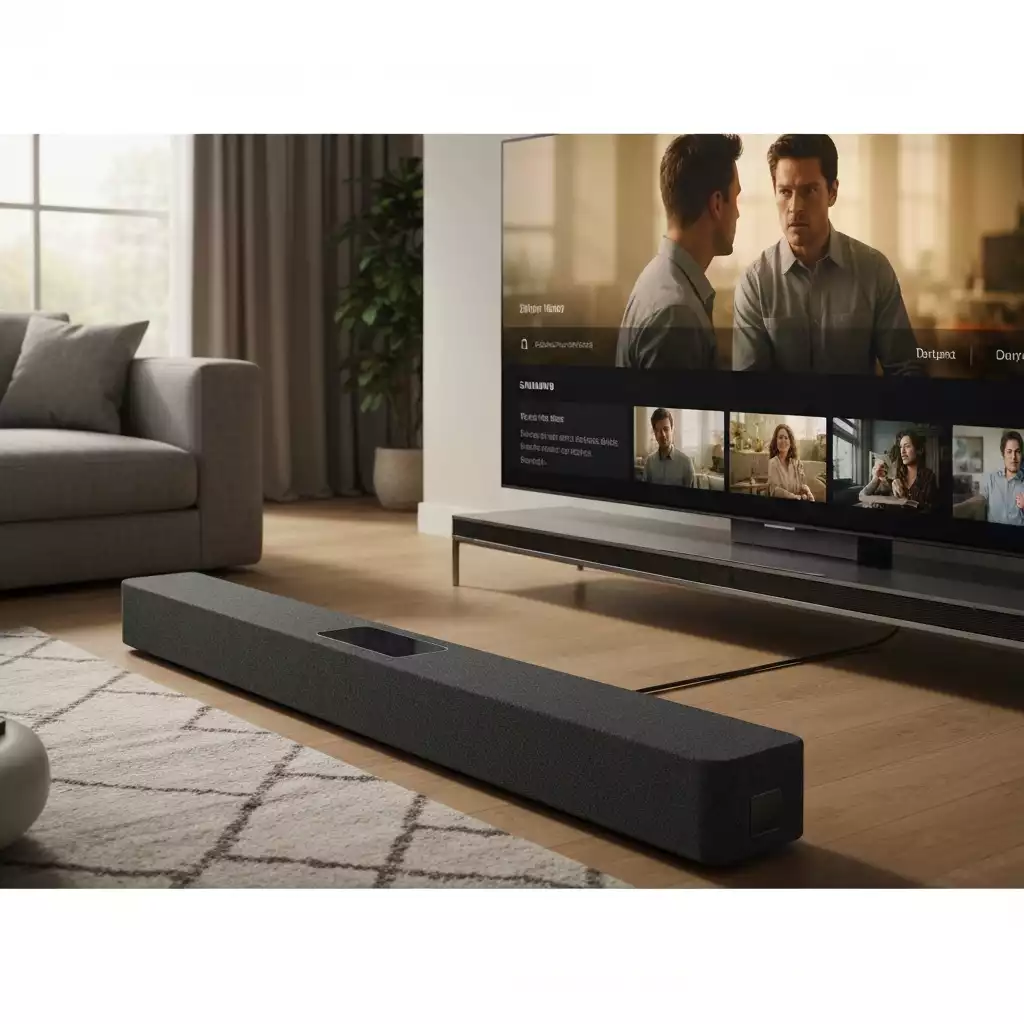
Audio sync is crucial because it affects the overall quality of your viewing experience. It ensures that sound effects, music, and dialogue all align perfectly with the visuals on your screen. If you want to enjoy a seamless experience while watching TV or playing video games, maintaining proper audio sync is a must!
In summary, audio sync is not just a technical feature; it plays a vital role in crafting an enjoyable and engaging viewing experience. Understanding its importance can help you make the most of your soundbar setup.
Now that we’ve established why audio sync matters, let’s dive into the mechanics of how it works. The primary concept to grasp is sound delay, which refers to the lag between the audio and video signals. This delay can occur for various reasons, including the processing time of your devices and the type of content you’re watching. For example, some common causes of sound delay can be found in this LG support article, which discusses issues like audio reverberation from simultaneous internal and external speaker use.
One of the terms you might come across is lip-sync correction. This feature allows you to manually adjust the audio timing to ensure it aligns with the visual cues. By understanding these concepts, you’ll have a better grasp of how to troubleshoot and improve your audio sync experience with your Samsung soundbar. You can find detailed instructions on resolving common soundbar sync issues with your Samsung device by visiting the Samsung support page.
By recognizing these key concepts, you will be more equipped to enjoy a perfectly synchronized audio experience with your Samsung soundbar!
Did you know? Regularly updating the firmware of your Samsung soundbar can significantly enhance its performance, including audio sync capabilities. Make sure to check for updates in the settings menu to ensure you’re getting the best audio experience possible!
In today’s world of home entertainment, having a seamless audio experience is crucial. Audio sync plays a key role in ensuring that what you see on your screen matches perfectly with what you hear. Whether you’re watching your favorite movie or gaming with friends, maintaining audio-visual alignment enhances immersion and enjoyment. Plus, adjusting audio sync on your Samsung soundbar is straightforward, making it easier than ever to create that perfect experience!
When you take the time to understand and adjust your soundbar’s audio settings, you’re investing in a better viewing experience. From lip-sync correction to simple tweaks in delay settings, there’s a wealth of options at your fingertips. Remember, a well-tuned soundbar not only amplifies sound but also elevates your entire home theater setup. For similar issues with other brands, a Sony support article offers methods to troubleshoot sound out of sync with video, highlighting common solutions across different manufacturers.
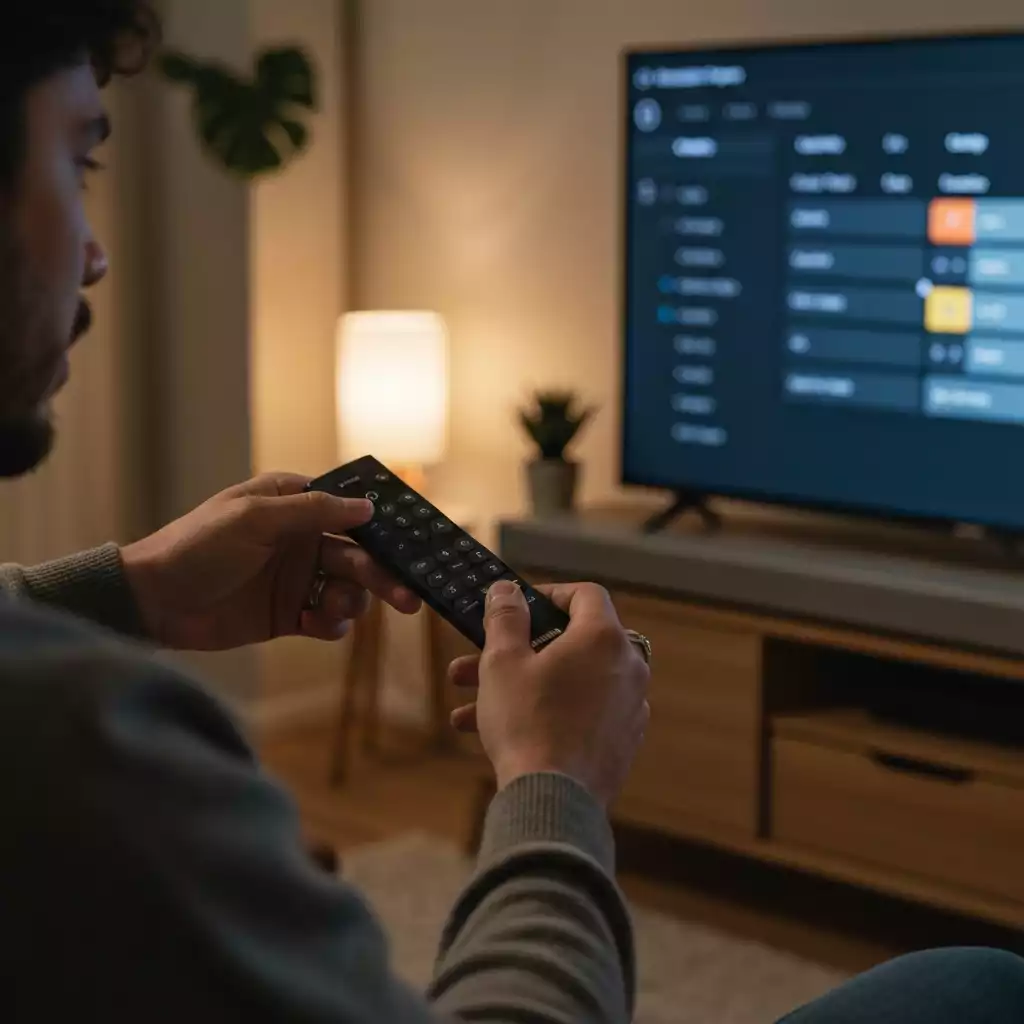
Now that we’ve covered the essentials of audio sync, it’s time to put that knowledge into action! I encourage you to experiment with the audio sync settings on your Samsung soundbar. You might be surprised at the difference a slight adjustment can make! Here are a few steps to get you started:
If you encounter any challenges or just want to share your experiences, feel free to drop a comment below! I’d love to hear what works for you or any questions you may have. Let’s make sure everyone enjoys the ultimate audio experience together!
Here is a quick recap of the important points discussed in the article:


Pingback: Troubleshooting: Fix Your Soundbar Not Connecting to TV