
Understanding Night Mode on Samsung Soundbar
Unlock the full potential of your Samsung soundbar with the transformative Night Mode feature. This innovative setting not only enhances your late-night viewing experience but also ensures that you enjoy crystal-clear dialogue without disturbing those around you. Let’s explore the key benefits and functionalities of Night Mode!
What You Will Learn
- Night Mode compresses dynamic range for balanced sound, making it ideal for quiet environments.
- The feature enhances dialogue clarity, ensuring conversations are audible even during action-packed scenes.
- Activating Night Mode is straightforward, requiring just a few clicks on your remote control.
- Regular firmware updates are essential for maximizing Night Mode’s effectiveness and overall sound quality.
Understanding Night Mode Activation and Benefits
This visual outlines the step-by-step process to activate Night Mode on your Samsung Soundbar and highlights its key benefits for an enhanced listening experience.
Step-by-Step Guide:Activate Night Mode
- Turn on Soundbar & TV.
- Press “Sound Mode” button.
- Cycle to “Night Mode.”
- Select “Night Mode.”
Confirm activation on soundbar display for optimal late-night listening.
Benefits of Night Mode
- Dynamic Range Compression
- Enhanced Dialogue Clarity
- Reduced Disturbances
- Consistent Volume Levels
Enjoy immersive audio without waking others or constantly adjusting volume.
Understanding Night Mode on Samsung Soundbars
As a sound enthusiast, I often get asked about the Night Mode feature on Samsung soundbars. It’s a game changer for those late-night movie marathons or quiet listening sessions. But what exactly is Night Mode, and how does it work? Let’s dive in!
Night Mode is designed to optimize audio output during nighttime hours. It adjusts the sound settings to ensure that you can hear dialogue clearly without blasting the volume. This means you won’t disturb others while still enjoying your favorite films or shows!
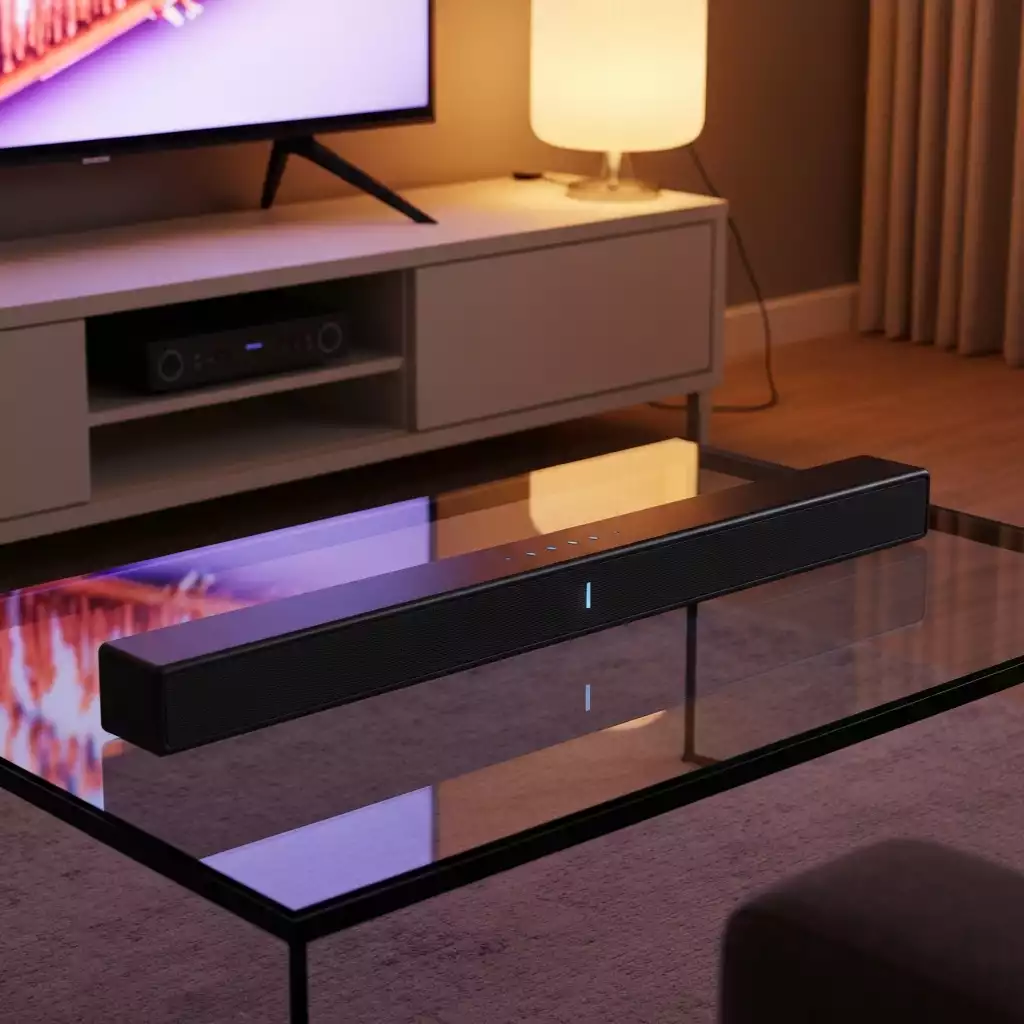
Defining Night Mode: What It Is and How It Works
In simple terms, Night Mode on your Samsung soundbar compresses the dynamic range of sound. This means it reduces the volume of loud sounds while enhancing softer sounds. It’s like having a personal sound engineer who understands your late-night listening needs!
- Dynamic Range Compression: Balances loud and soft sounds.
- Dialogue Enhancement: Makes conversations clearer.
- Easy Activation: Simple to turn on and off using your remote!
This feature is incredibly beneficial for maintaining a peaceful environment at home, especially if you have sleeping children or roommates. You can truly enjoy your audio without worrying about waking anyone up!
The Benefits of Night Mode for Late-Night Listening
Using Night Mode offers several advantages for late-night content consumption. One major benefit is the ability to enjoy your favorite shows at lower volumes while still being able to catch every word. It’s less jarring than traditional sound profiles.
- Enjoy movies without disturbing others.
- Perfect for late-night binge-watching sessions.
- Reduces the need to constantly adjust volume levels.
Plus, with Night Mode, you can focus on the content and truly immerse yourself in the storyline without distractions from audio spikes.
How Night Mode Enhances Dialogue Clarity and Audio Quality
Another fantastic aspect of Night Mode is its focus on dialogue clarity. When you’re watching a film, sometimes the action scenes can overshadow the conversations. Night Mode steps in to fix that!
- Improved clarity for dialogue-heavy scenes.
- Reduced background noise interference.
- Enhanced overall sound quality, even at lower volumes.
By optimizing the sound for spoken words, you won’t miss any crucial plot points. This makes it an essential feature for movie lovers like us who want to savor every detail of the story!
We Want to Hear From You!
Have you tried using Night Mode on your Samsung soundbar? How has it improved your late-night listening experience? Share your thoughts below:
Activating and Deactivating Night Mode on Your Samsung Soundbar
Activating Night Mode on your Samsung soundbar is a breeze, and it can greatly enhance your listening experience, especially during late-night movie marathons. Whether you’re trying to keep the peace with family members sleeping nearby or simply want to enjoy a nuanced soundtrack, enabling this feature is key. I always recommend familiarizing yourself with the steps to ensure you can easily toggle this setting when needed!
Step-by-Step Guide to Enable Night Mode Using the Remote
To get started with Night Mode, you’ll want to have your remote handy. Activating this feature can transform your late-night viewing into a peaceful experience. Here’s how:
- Turn on your Samsung soundbar and TV.
- Press the “Sound Mode” button on your remote.
- Cycle through the options until you find “Night Mode.”
- Select “Night Mode” to activate it.

Once you’ve activated Night Mode, the soundbar will automatically adjust its audio settings to deliver a balanced listening experience. Don’t forget to check your soundbar’s display to confirm that Night Mode is indeed active!
Troubleshooting Common Issues: What to Do If Night Mode Doesn’t Activate
Sometimes, technology can be tricky! If you find that Night Mode isn’t activating as expected, don’t worry—there are several troubleshooting steps you can follow. Here are some common solutions:
- Ensure your soundbar is updated with the latest firmware. For example, for models like the HW-Q930D, regular firmware updates are crucial for optimal performance.
- Check the connection between your soundbar and TV.
- Try resetting your soundbar to factory settings.
- Ensure that the sound mode is supported for the current audio source.
By following these simple steps, you can often resolve any issues and get back to enjoying your favorite shows without disturbing anyone around you!
Checking Firmware Updates for Optimal Night Mode Performance
Keeping your soundbar updated is crucial for optimal performance. Firmware updates can enhance the functionality of features like Night Mode and improve overall sound quality, even for advanced models such as the HW-Q990D or the Samsung HW-Q990D. Here’s how to check and update your Samsung soundbar’s firmware:
- Press the “Settings” button on your remote.
- Navigate to “Support” and select “Software Update.”
- Choose “Update Now” to check for the latest version.
Regular updates not only improve Night Mode but also ensure that your soundbar is compatible with the latest enhancements. I always recommend checking for updates monthly to ensure you’re getting the best experience possible!
Frequently Asked Questions about Samsung Soundbar Night Mode
- What is Night Mode on a Samsung soundbar?
- Night Mode is a feature designed to optimize audio output for late-night listening. It compresses the dynamic range of sound, reducing loud sounds and enhancing softer ones, especially dialogue, to prevent disturbances.
- How does Night Mode enhance dialogue clarity?
- Night Mode on Samsung soundbars focuses on increasing the audibility of spoken words, making conversations clearer and reducing background noise interference, even at lower volumes.
- How do I activate Night Mode on my Samsung soundbar?
- To activate Night Mode, turn on your soundbar and TV, then press the “Sound Mode” button on your remote. Cycle through the options until you find and select “Night Mode.”
- What are the main benefits of using Night Mode?
- The main benefits include dynamic range compression, enhanced dialogue clarity, reduced disturbances for others, and consistent volume levels, making it ideal for late-night viewing sessions without constantly adjusting the volume.
- What should I do if Night Mode isn’t working?
- If Night Mode isn’t activating, ensure your soundbar’s firmware is updated, check connections between the soundbar and TV, try resetting the soundbar to factory settings, and verify that the sound mode is supported for your current audio source.
Recap of Key Points
Here is a quick recap of the important points discussed in the article:
- Night Mode Feature: Optimizes audio output for clear dialogue without disturbing others.
- Dynamic Range Compression: Balances loud and soft sounds, enhancing the listening experience.
- Easy Activation: Can be easily activated using the soundbar remote.
- Benefits of Night Mode: Enjoy movies at lower volumes, perfect for late-night viewing, and reduces the need to adjust volume frequently.
- Dialogue Clarity: Enhances clarity of dialogue and reduces background noise interference.
- Troubleshooting Tips: Ensure firmware is updated, check connections, and reset if necessary for optimal performance.

Pingback: Best Sound Mode for Your Samsung Soundbar: Improve Your Audio