Processing Delays (Soundbar/TV)
Older models or complex audio processing can introduce noticeable lag between video and audio.
Impact: High

Soundbars are meant to enhance your audio experience, but when they fall short, it can be incredibly frustrating. Understanding the nuances of audio sync issues can be the first step in reclaiming your home theater enjoyment. Let’s delve into the essential insights to optimize your Samsung soundbar.
Understanding the common culprits behind audio delays is the first step to a flawless home theater experience. Below, we break down key factors and their impact.
Older models or complex audio processing can introduce noticeable lag between video and audio.
Wireless connections (Bluetooth/Wi-Fi) are convenient but prone to latency and interference.
Different compression methods require varying processing power, which can lead to delays.
Outdated firmware or incompatible devices can cause communication issues and delays.
As a sound enthusiast, I know how frustrating it can be when there’s an audio delay with your Samsung soundbar. It can turn your favorite shows into a jarring experience! In this section, we’ll dive into what causes these sync issues and how you can tackle them head-on.
Audio delays can stem from a variety of sources. Some common factors affecting audio sync include:
Even minor variations in these elements can lead to noticeable delays. Understanding these factors is the first step in fixing the problem and enhancing your viewing experience. For more detailed troubleshooting, you can refer to Samsung’s support resources on resolving soundbar out-of-sync issues.
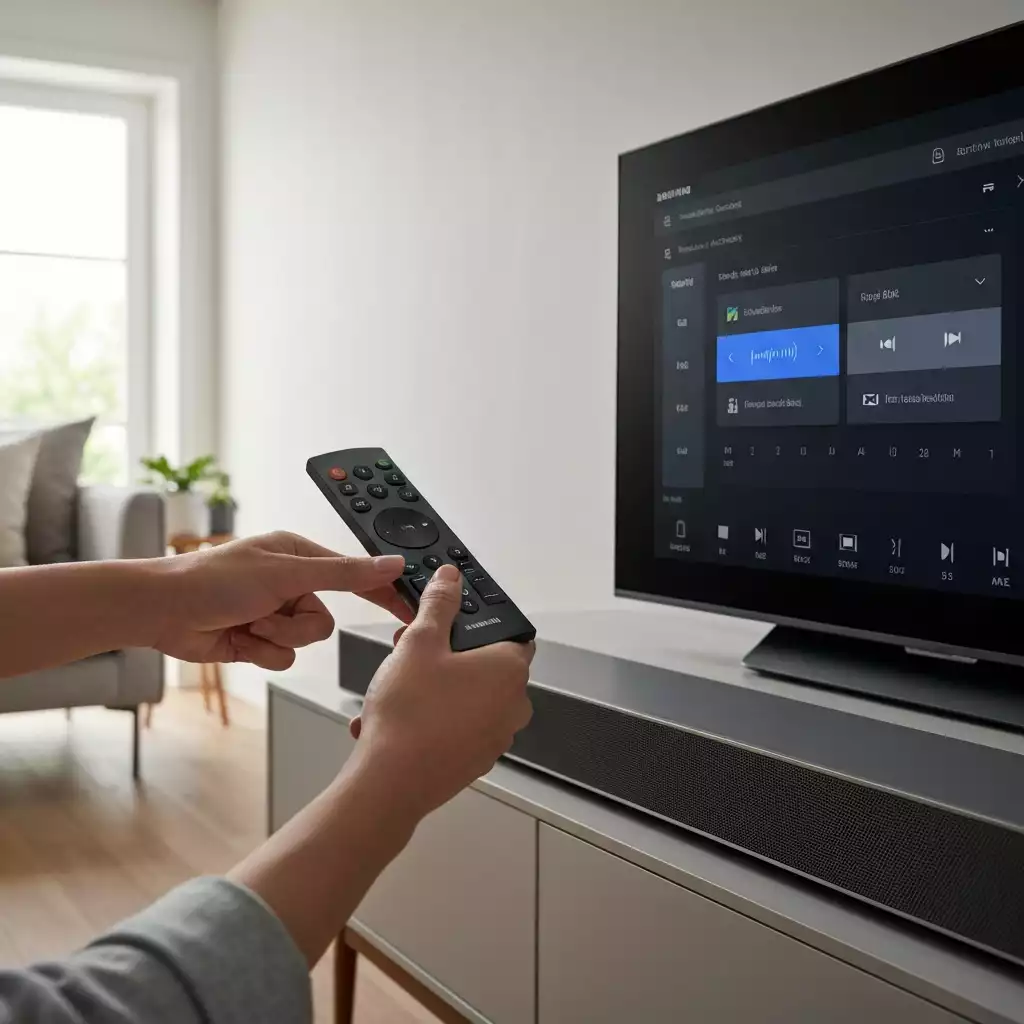
One significant factor to consider is the type of connection you’re using. For instance, wireless connections can sometimes introduce latency that wired connections don’t.
Additionally, the processing power of your soundbar and TV can create delays, especially if they’re older models. It’s crucial to ensure that your devices are compatible and working well together.
While wireless setups offer convenience, they can also lead to audio sync issues. Signal interference from other devices can introduce lag, making it harder to keep audio and video in sync.
If you’re relying on Bluetooth or Wi-Fi, consider switching to a wired connection when possible for a more reliable experience!
Getting your audio sync settings right is vital for an enjoyable viewing experience. Lip sync issues can be distracting and can completely ruin the immersion of your shows or movies. Here’s why it’s essential to address these settings:
When your audio is perfectly synced, you can fully appreciate the dialogue and sound effects without any annoying discrepancies.
It’s a simple adjustment that makes a big difference! Samsung provides additional guidance on troubleshooting audio delays, which can be helpful if you’re experiencing persistent problems.
We’ve all been there. You’re watching a thrilling scene, and suddenly, the dialogue is off from the character’s lip movements.
This disconnect can pull you out of the moment and make it hard to focus. Addressing audio sync is not just about fixing a minor annoyance; it’s about enhancing your overall entertainment experience!
Correcting audio delay not only improves your viewing experience, but it also has additional benefits. For instance, you’ll likely find that your sound quality improves as well.
A well-tuned soundbar can bring out the richness of your audio, making every movie or show more engaging. Investing time to fix these issues pays off in the long run.
A: Audio delays can be caused by processing delays in your soundbar or TV, the type of connection used (wireless connections may introduce latency), and differences in audio formats like Dolby Digital or DTS.
A: Wireless connections are prone to latency and interference from other devices, which can cause lag and make it difficult to keep audio and video in sync. Wired connections generally offer more stable and reliable performance.
A: Dolby Digital and DTS compress audio differently, which can impact the processing time. If your soundbar struggles to process a specific format quickly, it might lead to a noticeable audio delay.
A: The audio sync button (or a similar setting within your soundbar’s menu) allows you to manually adjust the delay between the audio and video, helping to correct any lip-sync issues you might be experiencing.
A: Regularly updating your soundbar’s firmware, ensuring compatibility between your devices, using wired connections when possible, and familiarizing yourself with your soundbar’s audio settings can help prevent sync problems.
Audio formats can significantly impact how your soundbar performs. Formats like Dolby Digital and DTS are designed to deliver high-quality sound, but they can also introduce challenges when it comes to synchronization.
By taking the time to familiarize yourself with these formats, you can make better decisions that enhance your audio experience. Knowing your equipment makes all the difference! For additional troubleshooting steps, you may find Samsung’s UK support page on audio delays a useful resource.
Dolby Digital and DTS both compress audio differently, which can impact how quickly the sound is processed. If your soundbar struggles with a specific format, you might experience a delay.
Trial and error with different settings can help you find what works best for your setup, ensuring that every sound is crisp and well-timed.
Did you know? Regularly updating your soundbar’s firmware can significantly improve audio performance and help prevent sync issues. Make it a habit to check for updates through your Samsung SmartThings app or the manufacturer’s website!
Summarizing Key Points on Audio Sync Adjustments
As we wrap up our discussion on audio sync issues, it’s crucial to remember the steps needed to achieve perfect sync with your Samsung soundbar.
Whether it’s adjusting settings on the remote or utilizing apps like Samsung SmartThings, the goal is to enhance your viewing experience with seamless audio. Here’s a quick recap of the essential steps:
By following these steps, you’ll be on your way to enjoying your favorite shows and movies without any annoying audio lag. Remember, a little tweak here and there can make a significant difference in your entertainment experience!
Maintaining audio quality with your Samsung soundbar is an ongoing process. It’s not just about fixing issues as they arise, but also being proactive.
Regularly checking your audio settings and ensuring that everything is up to date can help you avoid sync problems in the first place.
Most importantly, don’t hesitate to experiment with different settings to find what sounds best for you.
In my experience, a well-tuned soundbar can transform your home theater setup. So, make it a habit to monitor and adjust your soundbar settings. This way, you’ll always enjoy crisp and clear audio that complements your viewing experience.
I’d love to hear about your experiences with audio sync issues! Have you found particular settings that work best for your Samsung soundbar? Sharing your insights can help others in our community troubleshoot their own devices more effectively. Feel free to drop your tips and stories in the comments!
If you’re struggling with specific models or need tailored advice, don’t hesitate to reach out! I’m here to assist you with more personalized guidance based on your soundbar type and setup.
Just let me know what you need help with, and I’ll do my best to provide the assistance you’re looking for.
For ongoing support and shared experiences, consider joining the Samsung community. It’s a great platform to connect with fellow users who can offer tips, tricks, and solutions that might just solve your audio sync dilemmas.
Engaging with others can enhance your understanding and enjoyment of your soundbar!
Here is a quick recap of the important points discussed in the article: